
Page building
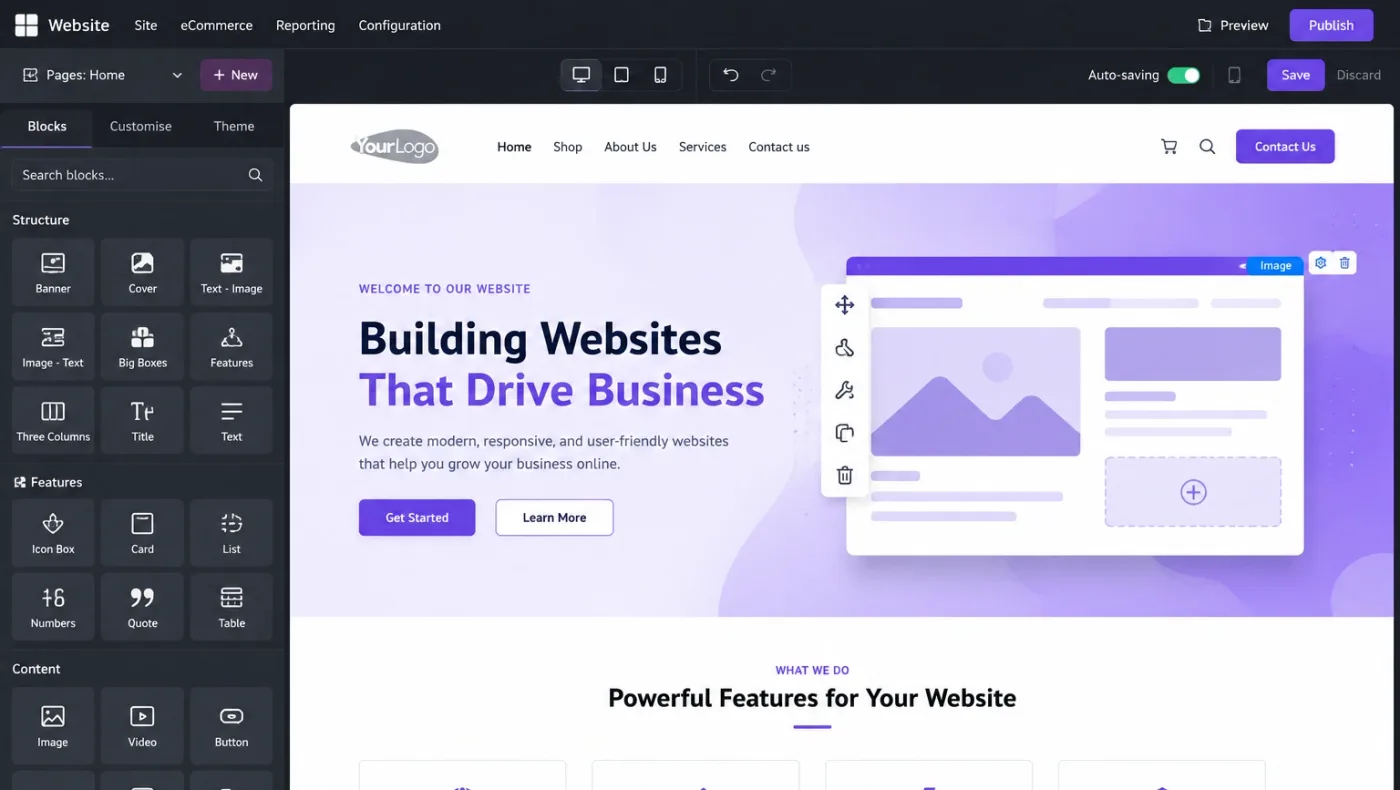
Drag-and-drop blocks, themes, a mobile-responsive layout and editing in place, so marketing can change a page without raising a ticket.
BlocksThemesIn-place edit
The argument for Odoo Website is not that it builds the prettiest site. It is that the shop reads live stock, the form creates a real lead, and the customer portal shows real invoices — with no integration in between.
The argument against it is search. If organic traffic is how your business is found, Odoo Website is workable rather than strong, and we would rather say so than have you discover it six months after launch.
Businesses running Odoo with OdooBots







Odoo Website builds pages and an online shop that read directly from the same database as your stock, prices and customers. Pages are assembled from blocks without code, products and live availability come from inventory, orders become sales orders with no connector, contact forms create CRM leads with their source, a customer portal shows real orders and invoices, and several sites and languages can run from one database.
On search, be realistic. Odoo covers the basics — titles, descriptions, sitemap, redirects — but it is behind a dedicated stack on structured data, page speed control and content tooling. If ranking is the main job of the site, that trade-off is worth deciding deliberately.
Six parts make up the website applications, and every one of them reads from the same database as the back office.
Drag-and-drop blocks, themes, a mobile-responsive layout and editing in place, so marketing can change a page without raising a ticket.
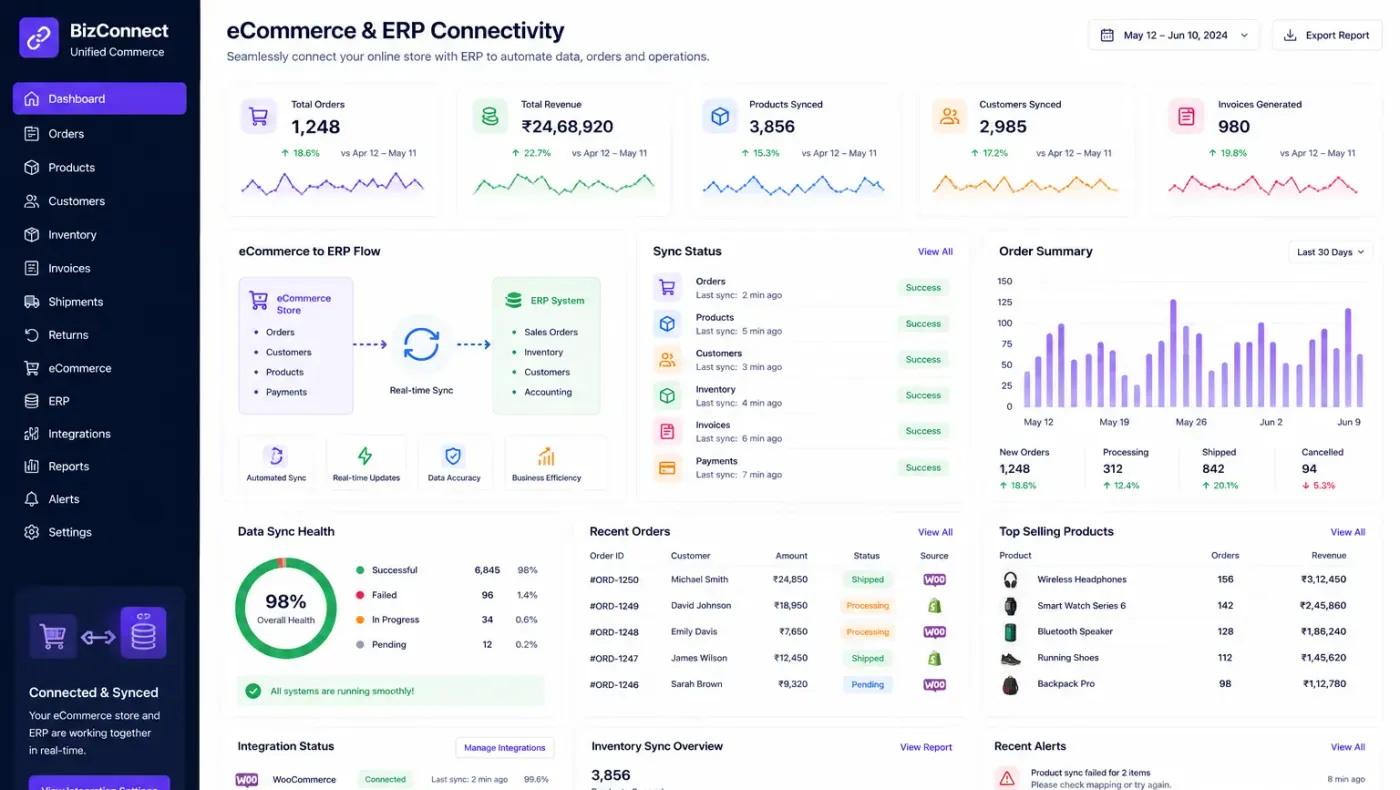
Products, variants and prices straight from the catalogue, live availability from inventory, checkout, payment providers and delivery options.
Forms creating CRM leads with the page, campaign and referrer attached, routed by assignment rule rather than landing in a shared inbox.
Customers signing in to see their own quotations, orders, invoices, delivery status and support tickets without anyone sending a PDF.
Blog, live chat with operators, forum and eLearning, all tied to the same contact records as the rest of the system.
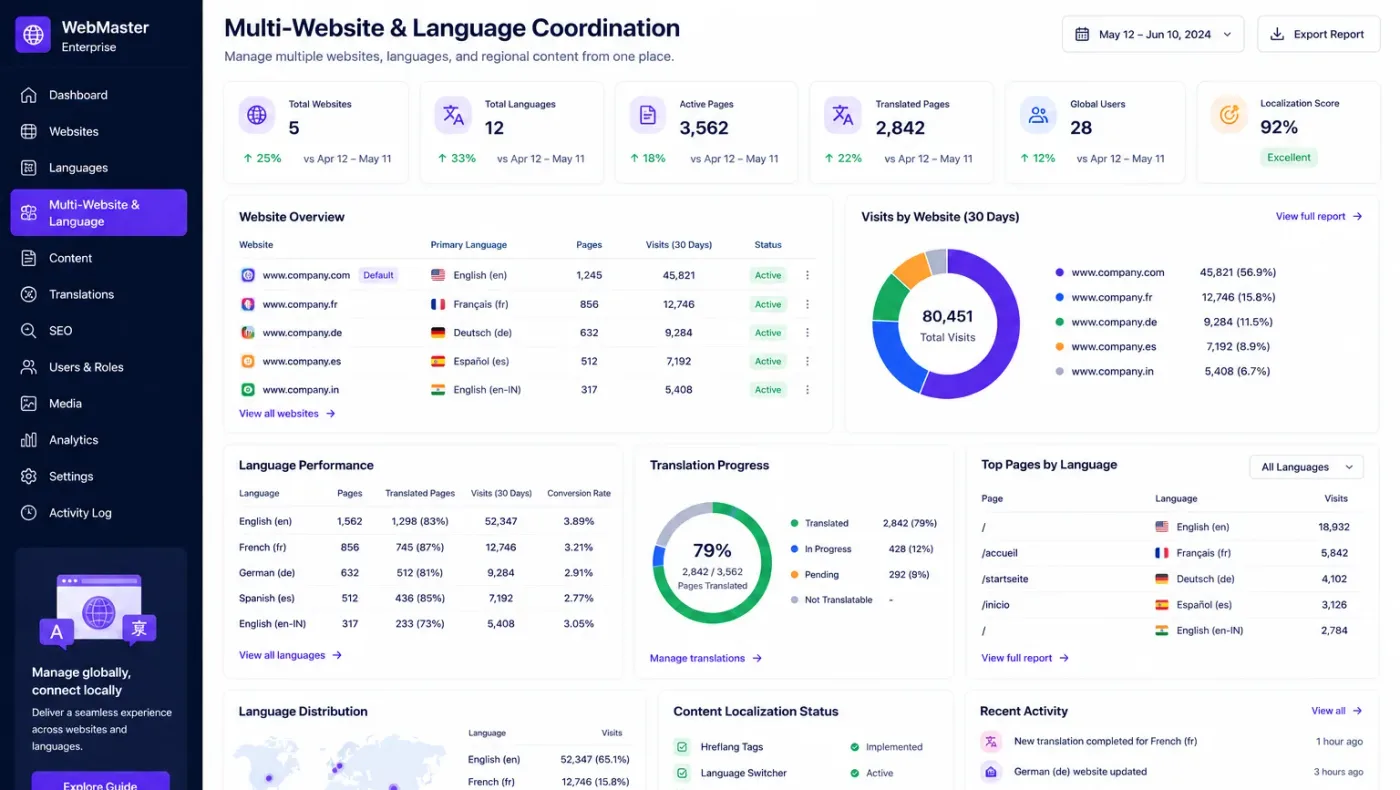
Several websites with their own domains, languages, pricelists and product selections from one database and one back office.
A visitor sees a product with the quantity the warehouse actually has, orders it, and that order appears as a sales order ready to pick — no connector, no sync delay, no overselling because two systems disagree. A visitor who does not buy fills in a form that becomes a lead with its campaign attached, assigned to a salesperson by rule.
That is the honest case for this application: not design, but the absence of an integration layer and everything that usually goes wrong inside one.
These are the configuration decisions that are cheap to make now and structural to change once transactions exist. We walk through each one before a single record is migrated.
If organic search is the main channel, a dedicated stack with an Odoo integration may serve you better. This is decided first, not after launch.
Forecast available rather than on hand, with an optional buffer, which is what prevents the site selling what is already reserved.
If you are replacing a site, every existing URL needs a destination. Skipping this is the fastest way to lose rankings you already had.
Which fields become which lead fields, how duplicates are matched and who each form is routed to.
Exactly what a logged-in customer can see. A permission decision rather than a display one.
Which products, prices and languages belong to which site, agreed before the second site is created.
Edit rights on pages, because in-place editing is a strength until someone changes a checkout page on a Friday.
Odoo moves features between Community and Enterprise from one version to the next, so the list below is what holds today and is confirmed against your own version during the diagnosis rather than taken as permanent.
Community includes the website builder, blog, forms and eCommerce with live stock and checkout. A working shop can be built on it.
Enterprise additions here are mostly about marketing and service rather than the site itself, so the question is whether you will genuinely use them.
We would rather say this before you buy licences than after. These are the areas where we scope real development, recommend a bolt-on, or tell you another tool is the better answer.
Titles, descriptions, sitemap and redirects are covered. Structured data, page speed control and content tooling are behind a dedicated stack, and that matters if ranking is the goal.
Building blocks generate their own HTML. You do not control it the way you would in a hand-built front end, which constrains technical SEO work.
Themes and blocks reach a point where further change becomes development. A heavily designed brand site is usually built elsewhere.
Performance is acceptable rather than exceptional, and tuning options are narrower than on a dedicated front end.
Editorial approval, scheduling and versioning are thin compared with a real content management system.
Running a separate front end against Odoo as a back end is a legitimate architecture and it is a development project, not a setting.
Implementing Odoo Website needs more than installing the application. It should reflect how your business already works, and change only what is worth changing.
Understand what the site is for, where your traffic comes from today, whether you sell online, and what exists at your current URLs.
Settle whether Odoo hosts the site, the stock figure shown, the redirect map and the form-to-lead mapping before anything is built.
Set Odoo Website up around how you work rather than installing it at its defaults, and build only what configuration genuinely cannot reach. See Odoo customization.
Masters, open items and opening balances prepared and loaded. Data cleaning is scoped explicitly, because it is usually the largest single task. See Odoo migration.
Your team runs real transactions in a test database before go-live, including the awkward cases that never appear in a demonstration.
Role-based training for the people who key transactions daily, then cutover, hypercare and ongoing support and AMC.
We do not publish one price, because the same application costs very differently depending on the factors below. We do publish what moves the number, and the price is fixed in writing before work starts.
We will tell you when not to use Odoo Website. If organic search is how you are found, a dedicated front end with an Odoo back office is usually the better buy — and that is the advice we gave on our own site.
Product capabilities stated on this page are documented by Odoo. The configuration advice, edition notes and limitations come from our own implementations.
Tell us whether the site is mainly for search traffic or mainly for selling to people who already know you. That answer decides the approach, and the diagnosis call is free.