
Requests for quotation
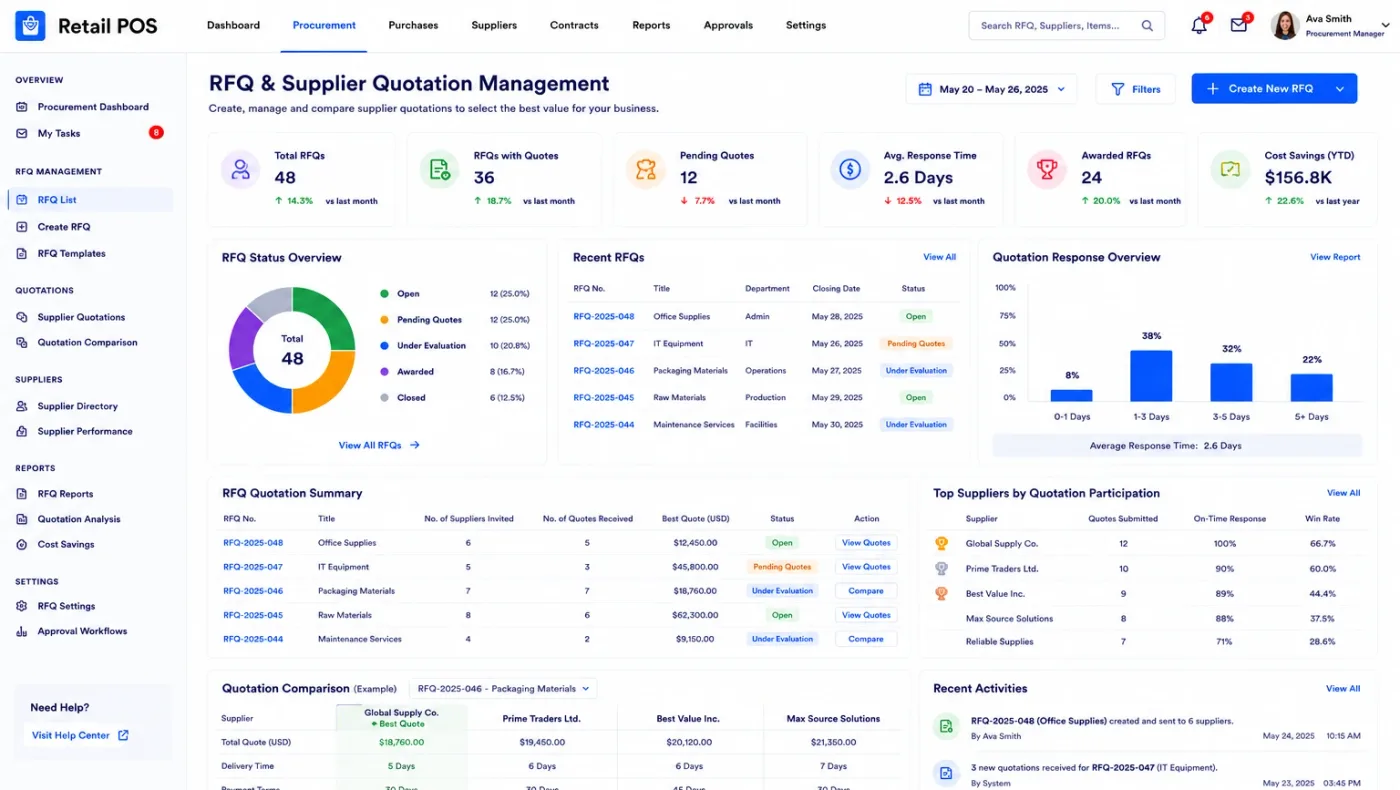
RFQs to several vendors with their own prices, lead times and minimum quantities, compared side by side before an order is placed.
Multi-vendorLead timeCompare
Purchasing is where money leaves the business, and in most companies it leaves through WhatsApp. An order is agreed on a call, the goods arrive, the bill follows weeks later, and nobody can say whether the price matched what was agreed or whether the full quantity arrived.
Odoo Purchase is worth implementing for one control above all the others: a bill cannot be paid until the purchase order and the goods receipt agree with it.
Businesses running Odoo with OdooBots







Odoo Purchase runs buying from request to bill, with the bill matched against the order and the receipt before anyone pays it. Requests for quotation go to several vendors with their own prices and lead times, approval thresholds hold anything above a value, reordering rules raise suggestions from actual stock levels, blanket orders cover agreed annual rates, and receipt and bill are matched against the order automatically.
Three-way matching is the whole point. Without it, an ERP records purchasing rather than controlling it, and the difference shows up as overpaid invoices nobody ever finds.
Six parts make up the purchasing application, and its value comes from what it checks rather than what it records.
RFQs to several vendors with their own prices, lead times and minimum quantities, compared side by side before an order is placed.
Orders with agreed prices, delivery dates and terms, confirmed to the vendor and visible to the warehouse expecting the goods.
Threshold-based approval so anything above a value needs a second pair of eyes, applied by configuration rather than by memory.
Reordering rules per product and location raising suggestions from real stock and incoming quantities, with the buyer still approving.
Blanket orders and purchase agreements holding an agreed rate over a period, called off as required rather than renegotiated each time.
Vendor bills matched against the purchase order and the goods receipt, with differences held for review instead of paid quietly.
A reordering rule or a sales order raises a need. An RFQ goes out, prices are compared, and a purchase order is approved if it is above the threshold. The warehouse receives against that order, so quantity differences surface at the gate. The vendor bill is then matched against both, and anything that does not agree is held rather than paid.
Each of those steps is a control, and together they are the difference between knowing what you spent and deciding what you spend.
These are the configuration decisions that are cheap to make now and structural to change once transactions exist. We walk through each one before a single record is migrated.
Which values need approval and by whom. Set too low it becomes a bottleneck; absent entirely it is not a control at all.
Which products get min and max levels, per which location, and who reviews the suggestions rather than approving them blindly.
Agreed prices, minimum quantities and lead times held per vendor, so an RFQ starts from the real rate rather than a phone call.
One, two or three-step receiving. More steps give you an inspection gate and cost handling time; fewer are faster and see less.
How much price or quantity difference passes automatically and what is held. Zero tolerance stalls; wide tolerance is not a control.
Whether freight, duty and clearing are added to product cost. If they are not, your margin figures are wrong by exactly that amount.
Vendor master control, because uncontrolled vendor creation is where both duplicate payments and fraud begin.
Odoo moves features between Community and Enterprise from one version to the next, so the list below is what holds today and is confirmed against your own version during the diagnosis rather than taken as permanent.
Community covers the purchasing cycle: RFQs, vendor pricelists, purchase orders, reordering rules, blanket orders, receipts and bill matching. The control that matters most is in the free edition.
Enterprise adds approval and document handling around the edges, which is worth pricing against how many purchase orders you actually raise.
We would rather say this before you buy licences than after. These are the areas where we scope real development, recommend a bolt-on, or tell you another tool is the better answer.
Suppliers responding to RFQs in a portal of their own is beyond the standard flow and is scoped as development.
Weighted scoring across price, lead time and quality to pick a vendor automatically needs custom logic.
Bills of entry, customs paperwork and clearing agent workflows usually need a custom module alongside landed costs.
Tiered annual rate contracts with retrospective adjustment are common in India and not standard Odoo.
Formal vendor rating on delivery, quality and price over time is a reporting build on top of the data.
Planning purchases against a demand forecast needs the forecast to exist, and thin history does not produce one.
Implementing Odoo Purchase needs more than installing the application. It should reflect how your business already works, and change only what is worth changing.
Understand what you buy, how orders are approved today, whether vendor rates are agreed in advance, and how bills are checked before payment.
Settle approval thresholds, reordering scope, receipt steps and bill matching tolerance before anything is configured.
Set Odoo Purchase up around how you work rather than installing it at its defaults, and build only what configuration genuinely cannot reach. See Odoo customization.
Masters, open items and opening balances prepared and loaded. Data cleaning is scoped explicitly, because it is usually the largest single task. See Odoo migration.
Your team runs real transactions in a test database before go-live, including the awkward cases that never appear in a demonstration.
Role-based training for the people who key transactions daily, then cutover, hypercare and ongoing support and AMC.
We do not publish one price, because the same application costs very differently depending on the factors below. We do publish what moves the number, and the price is fixed in writing before work starts.
We configure three-way matching with a tolerance your team can live with on day one. Zero tolerance stalls payments and gets switched off within a fortnight, which leaves you with no control at all — the usual outcome when it is set by someone who does not have to clear the queue.
Product capabilities stated on this page are documented by Odoo. The configuration advice, edition notes and limitations come from our own implementations.
Tell us how purchase approval works today and whether bills are checked against receipts. Those two answers shape the configuration, and the diagnosis call is free.